
What Most Businesses Miss When Tracking Website Performance
Most businesses think they understand their website performance because they track traffic, clicks, and basic conversions. The problem isn’t missing data. It’s focusing on metrics that look good but don’t explain why performance changes.
This blind spot leads to wasted budget, missed opportunities, and slow growth. It happens because teams keep optimizing the wrong areas while the data appears to support their decisions. But once you know where to look, you can spot these issues quickly and fix them without overhauling your entire strategy.
This guide explains website analytics in practical terms. You’ll learn which metrics can mislead you, what to track instead, and how to link your data to real business outcomes like conversion rate, leads, and revenue from actual website visitors.
Let’s start with the foundation.
Website Analytics Explained: Setting Goals Before You Track Anything
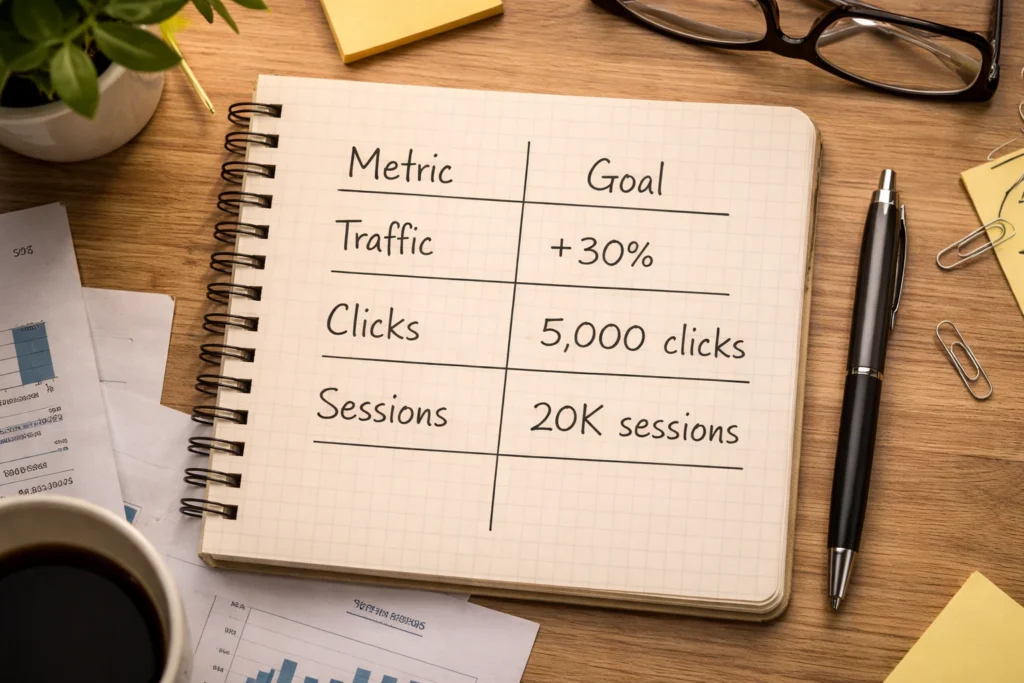
Without clear objectives, you won’t know whether your metrics indicate success. For example, 10,000 visits might be excellent if your goal is brand awareness, but disappointing if you’re aiming for 500 new sign-ups. That means no matter how much data web analytics tools track, it’s meaningless if you don’t have a clear aim.
Specific goals like “increase sign-ups by 20%” or “reduce cart abandonment to under 30%” tell you which key metrics to focus on for your business goals. A 2% conversion rate might sound low, but if your target was 1.5%, you’re ahead.
When you connect metrics to objectives, you can make data-driven decisions instead of relying on vanity metrics.
Why Your Analytics Setup Is Sabotaging Your Data
Even a seemingly proper analytics setup can produce inaccurate visitor data if a single line of code is missing. These overlooked setup issues usually fall into two categories.
Missing or Duplicate Tracking Codes
Your analytics tools need tracking code on every page to capture complete customer journeys. When codes are missing or duplicated, your website data becomes unreliable. Here’s how:
- Missing codes hide conversions: If your checkout page lacks tracking, you won’t see purchase completions. You might think nobody’s buying when your analytics simply aren’t capturing the data.
- Duplicate codes inflate traffic: When the same code appears twice on a page, a single visit may be counted twice, making your reports look stronger than they really are. This can distort conversion path calculations and give a misleading picture of performance.
To prevent months of inaccurate data, run Google Tag Assistant or similar tools quarterly to audit your tracking setup.
Internal Traffic Skewing Your Metrics
The more your team checks your website or app, the smoother things run. But those same visits can distort your analytics, especially on smaller sites, where internal traffic can make up 20-30% of total active users and completely skew performance metrics. Filtering out office IPs and team devices helps you see user behavior instead of your own activity.
Most Analytics Dashboards Track Vanity Metrics, Not Revenue

Most analytics platforms, including Google Analytics, default to reports that highlight traffic, page views, and session counts, and most businesses never change the setup. The result is a focus on numbers that look impressive while missing the important metrics that show whether visitors become customers.
If you want analytics to reflect real business performance, you need key performance indicators tied directly to revenue. For example, conversion rate shows what percentage of visitors complete a purchase, while customer acquisition cost and revenue per visitor reveal whether your marketing efforts are bringing in profitable customers.
To check these metrics in Google Analytics, open the Reports section and review conversion data under Engagement or Monetization, depending on your setup. These reports show how many visitors complete key actions like purchases or sign-ups.
Once you set up conversion tracking, you can connect traffic sources to revenue and see which channels bring valuable data that turns into sales.
The Conversion Funnel: What Happens Between Click and Purchase
Visitors land on your site, browse a few pages, add items to their cart, then either complete checkout or leave. This entire customer journey is called your conversion funnel, yet many businesses track only two points: visits to the site and completed orders.
The problem is that the biggest drop-offs usually happen in between. People abandon carts, exit product pages, or get stuck at checkout, but without funnel analysis, you won’t know which step is losing sales. Micro conversions like adding items to a cart or starting checkout show exactly which step needs fixing.
For example, if 1,000 people add products to their cart but only 200 reach checkout, something on the cart page is stopping people from continuing to checkout. Now you know where to focus instead of guessing.
Bounce Rate and What It Actually Tells You

Bounce rate measures the percentage of visitors who leave after viewing just one page on your site. Think of it like someone walking into a store, looking at one shelf, and leaving immediately. Sometimes that’s fine because they got what they needed. Other times, it signals a problem. To make sense of bounce rates, consider each page type separately:
| Page Type | High Bounce Rate | What It Means |
| Blog Post | Normal | Visitors found their answer and left |
| Product Page | Problem | Check page speed, images, or product info |
| Landing Page | Problem | Review your offer, design, or call-to-action |
| Homepage | Problem | Improve navigation or clarify your value |
| Contact/FAQ | Normal | People got the info they needed |
This comparison shows why bounce rate needs context when analyzing user behavior. A 70% bounce rate on a blog post with strong user engagement can be perfectly healthy. The same number on web pages designed for sales usually means something in the experience is pushing visitors away.
Mobile vs Desktop: Comparing Performance Across Devices
Over 66% of web traffic now comes from mobile devices, according to Similarweb. But surprisingly, when we audit client sites, we often find their mobile experience hasn’t been tested in months, even though it’s handling the majority of their traffic. The problem is that what works on desktop doesn’t always translate to mobile, which can cause performance problems and drive visitors to competitors.
To spot these issues, compare your site’s performance metrics by device in Google Analytics or similar tools. Then, examine bounce rates and conversion rates for each platform separately to see where the gaps appear.
Those gaps tell you where the problem is. If mobile converts far less than desktop, your mobile checkout likely needs simpler forms or larger tap targets. Fixing that experience where users interact with your website or app usually delivers better results than trying to optimize everything at once.
Data Sampling Can Skew Your Reports
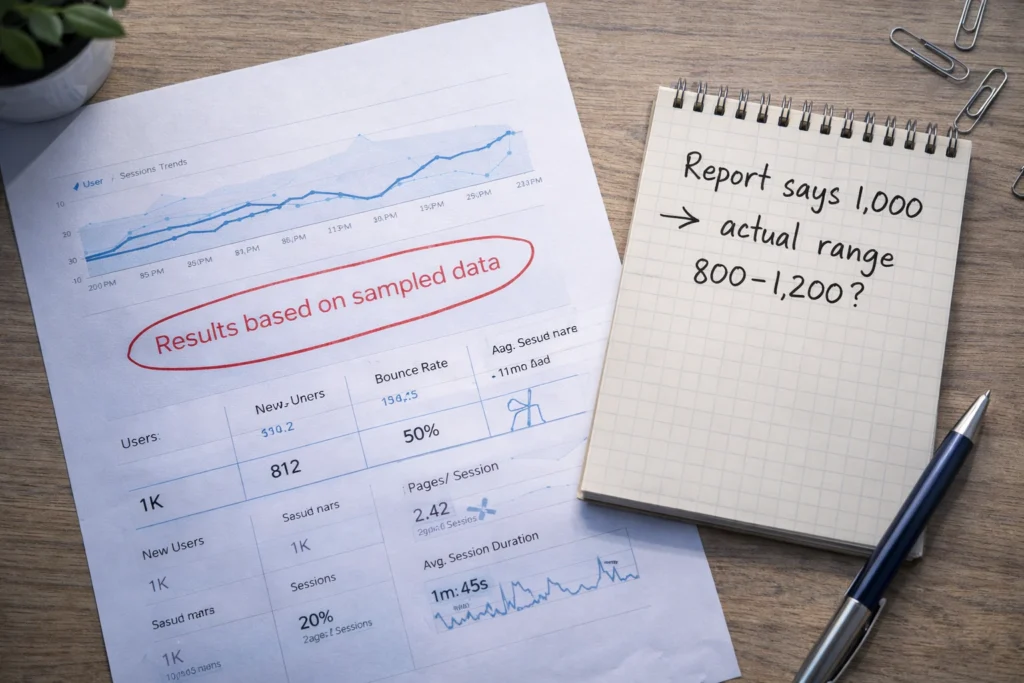
Data sampling happens when web analytics tools analyze only a portion of your traffic instead of every visit during data collection. For example, if you had 100,000 visits last quarter, the tool may analyze 50,000 and estimate the rest. Those estimates can be off by 10-20%, so a report showing 1,000 conversions could reflect 800 or 1,200.
Sampling errors get worse with custom reports that use long date ranges or multiple filters when analyzing data. In those cases, your reports may show estimates instead of exact numbers, which can mislead your analysis.
To avoid sampling, keep date ranges short and use fewer filters. If a report shows a sampling indicator, break it into smaller time periods to get actionable insights based on complete data rather than estimates. That way, you can trust the numbers and make confident, data-driven decisions.
Start Measuring What Drives Business Goals
Traffic and page views don’t grow your business. The metrics that show real progress are conversion rate, customer acquisition cost, and revenue per visitor. They connect your marketing strategy directly to business goals instead of just measuring activity.
When you open Google Analytics or your preferred platform, skip the vanity metrics on the homepage. Focus on reports that show how many visitors become paying customers and what each customer costs to acquire. Once you track metrics tied to revenue, making data-driven decisions becomes much easier.
Need help optimizing your site for better conversions? Our team at Website Traffic Increaser Guy specializes in turning traffic into revenue. We’ll audit your analytics setup, identify what’s holding back performance, and implement changes that move the numbers. Contact us today to get started.
Leave a Reply